Pythia and the Babel Fish
We had ended part one of our RapidCHECK story in June 2025, with no hope of being able to install the software on Windows 10 Enterprise LTSC. Suddenly, on June 23, Pythia from the temple of SunDEPLOYS sent a cryptic prophecy: It might be possible to create a patch that would allow installation on LTSC. Not today or this week, but "I expect it could be done fairly quickly".
Five more months of silence passed, interrupted only by rather vague predictions from the oracle (Sep 17: " ... the patch is now fully developed and currently in its final documentation phase. We expect to be able to send it to you next week.").
Suddenly, on Nov 19, our patience was rewarded with a download link to RapidCHECK 3.0.2.246. The excitement was huge, but again, it was short-lived:
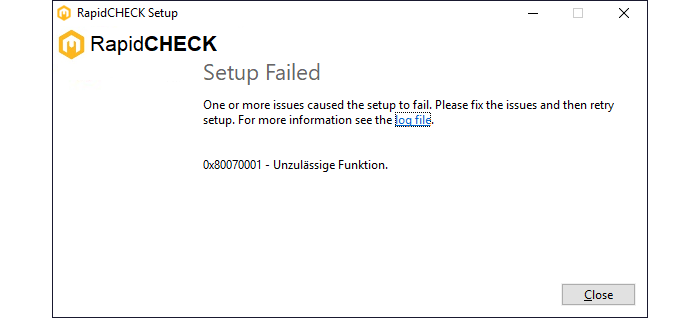
(Installation attempt of RapidCHECK 3.0.2 Build 246 on our Win10 Enterprise LTSC machines.)
During the 12-minute installation process, which always ended with the same result (see above), we monitored the activity in the Package Cache,

to determine which package was being processed by the RapidCHECKSetup.3.0.2.246.exe. This information, along with the log file, pointed to the IISInstallManager, which, as shown in the next screenshot, attempts to find RSAT ServerManager Tools, fails, and tries to install them1:
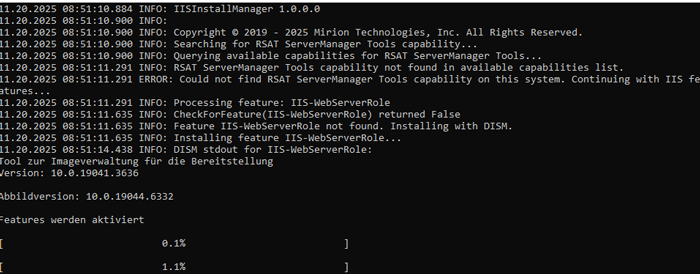
As it turned out, this is not possible in our department. The installation of additional Windows components such as IIS is prohibited by institution policy.
The bad news confirmation came on Dec 18, 2025. Pythia responded: "The engineering team confirmed that Rapidcheck currently does require RSAT tools and your org policies not allowing to make rapidchecks install possible. We are looking at ways to circumvent this issue but we'd need to create a new installer before any fixes. We are working on it."
After she had taken a deep sniff from the cracks, on Jan 28, 2026, Pythia announced her final prophecy which was both binding and vague: "The new release for RapidCHECK, V3.0.2 will not address the issue you are encountering. The next release that may address this issue might be in late 2026 or in 2027. This is being tracked under DXQA-2988. We will close this case."

This sealed the fate of Build 246, at least for the time being.
RapidCHECK on Win11 Pro
As mentioned in Part 1, we are describing this story in such detail in the hope that it might be helpful to others. After the latest setback, it was clear that the next attempt to install RapidCHECK should be on an unmodified (out-of-the-box) computer, preferably2 a laptop, that is neither part of our domain nor managed in Active Directory and therefore not subject to any local IT restrictions. We considered the lack of a network connectivity due to missing domain join to be a minor issue: after all, RapidCHECK is typically not used on a daily basis, and copying CT images to the laptop for analysis via USB stick would always be possible.
The laptop arrived on March 05, 2026. In 2026, laptops are shipped with Win11, in our case Windows 11 Pro, version 25H2. The first thing we tried after unpacking was to install RapidCHECK.
This is what the familiar error message looks like in Windows 11:
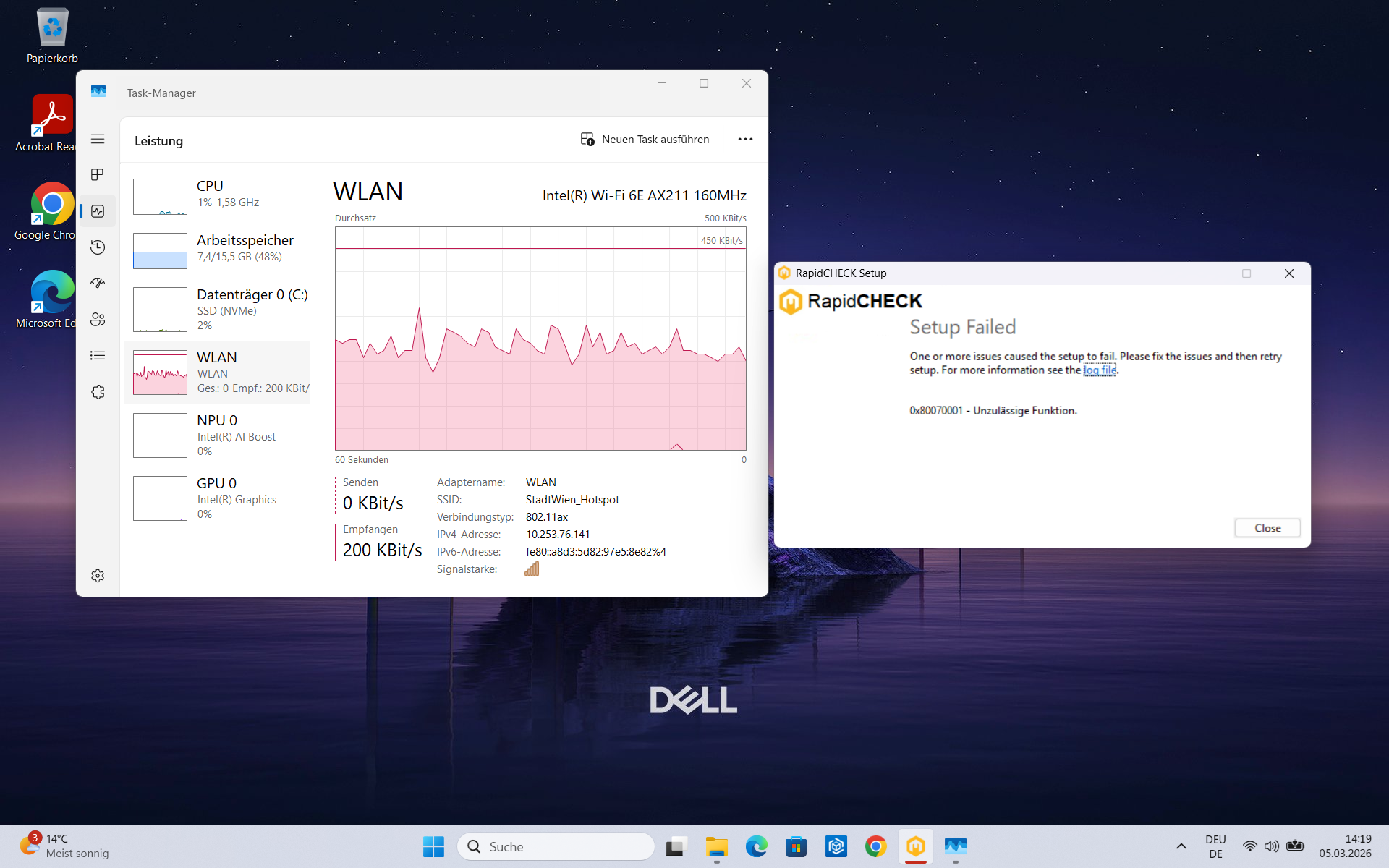
(Installation attempt of RapidCHECK 3.0.2 Build 246 on our Win11 Pro laptop.)
Now that we enjoy the same error message in Win11 instead of Win10, you may ask: What have we gained? Of course, we would have preferred to see setup succeed on the first try. But this time, our cards are better. Success is not guaranteed however (does the installer even work anywhere in the world?)
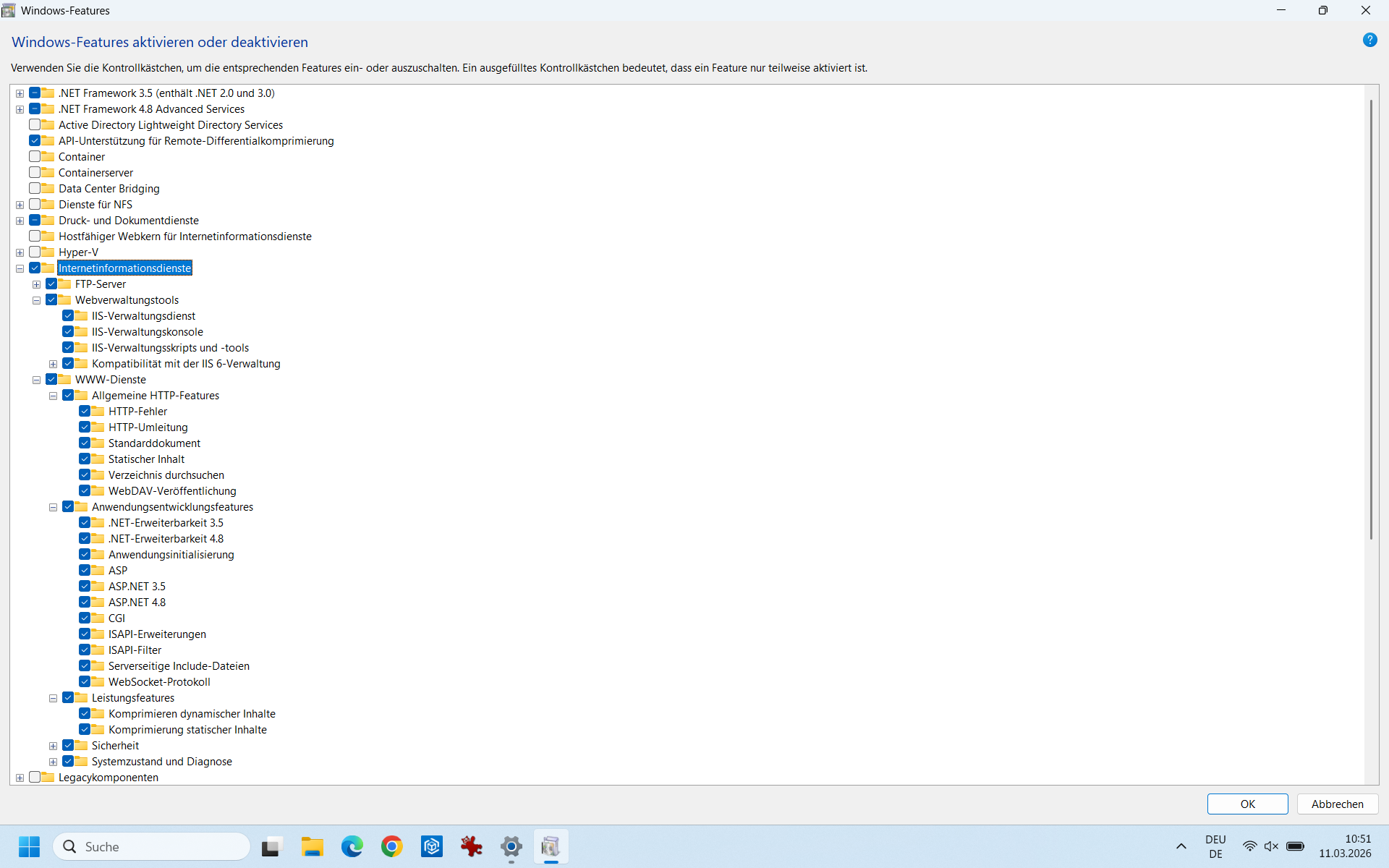
At least we are now able to fullfil the wishes of the IISInstallManager: For the first time, we can add Windows components manually3:
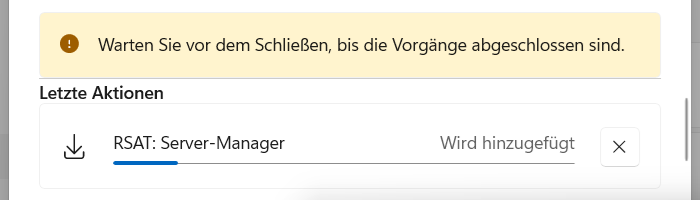
(RSAT Server Manager being added by the user.)
To find out what the IISInstallManager does, we start the EXE manually from the Package Cache:
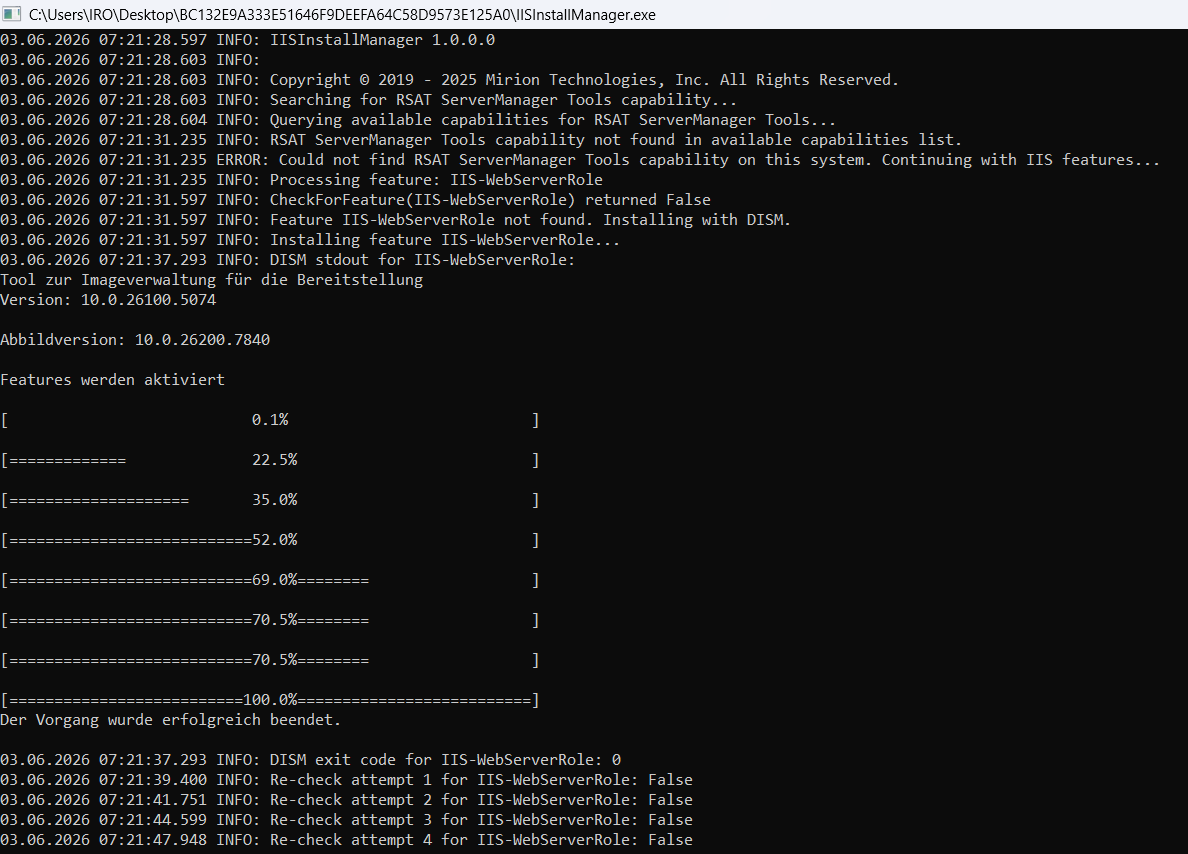
We are beginning to understand why it takes about 12 minutes until setup fails. The IISInstallManager works through a long list of serveral dozen items (the screenshot shows the beginning), which are components of IIS (Microsoft Internet Information Services). It checks for a feature, e.g. CheckForFeature(IIS-WebServerRole), doesn't find it, and installs it successfully ("Der Vorgang wurde erfolgreich beendet"). Immediately afterwards, however, it again fails to find the newly installed feature. After six re-check attempts, the installer moves on to the next entry in the list. The fact that we had manually installed all available IIS components shortly before (including the FTP server, although it certainly wouldn't be needed) is completely ignored by the IISInstallManager.
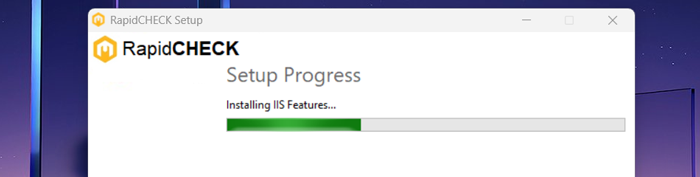
All the user gets to see while this happens is a progress bar idling at the same position at about 35%, for about 12 minutes:
But why can't the installer find the components it just successfully installed? And why does it try to reinstall, although all IIS components are already there? The answers are rather surprising.
Babel Fish Missing
"The Babel Fish is small, yellow, and simultaneously translates from one spoken language to another. When inserted into the ear, its nutrition processes convert sound waves into brain waves, neatly crossing the language divide between any species you should happen to meet whilst travelling in space."4
Designing software for a global market can be a challenge. Different display languages, regional formats for numbers, currencies, date and time etc. have to be taken into account. It looks like IISInstallManager version 1.0.0.0 was developed exclusively for the English-speaking market.
Since our Windows display language was German, the successful installation of each single IIS feature was documented in German in the log file with the key word "erfolgreich", but the IISInstallManager was looking for the key word "successful" (which means the same thing). Since it couldn't find the word, it reported the presence of the feature als False. This is what US Support of Mirion found out and reported to us on March 20, 2026.
Somehow, the installer spoke German, but listened in English. A Babel Fish in the IISInstallManager's ear would certainly have helped!
Regarding the installation of already existing components: the installer seems to play it safe; it doesn't even check if the components are present, but simply reinstalls them. Just to make sure ...
After switching the laptop to English5, the task of the IIS installer took only a few seconds instead of 12 minutes, and, more importantly, the RapidCHECK installation was successful for the first time.
Notes
1 The attentive reader will notice the mixture of English and German language. This will become important later.
2 To be able to connect to a public WiFi network.
3 For the time being, we don't think about why we should add Windows components manually. Of course, we are aware that no one is expected to do that and that the installer should take care of such things and download whatever he needs from the internet.
4 https://www.bbc.co.uk/cult/hitchhikers/guide/babelfish.shtml
5 Once RapidCHECK installation is complete, it is totally OK to switch back to local language.